Work with Key Management
The Key Management menu allows you to manage tenant specific key.
Note
The Key Management feature is available only if version 2.0 is selected by the System Administrator. For details, see System Administrator Guide.
To manage tenant key:
-
In the menu, click Key Management. The Tenant Key page appears.
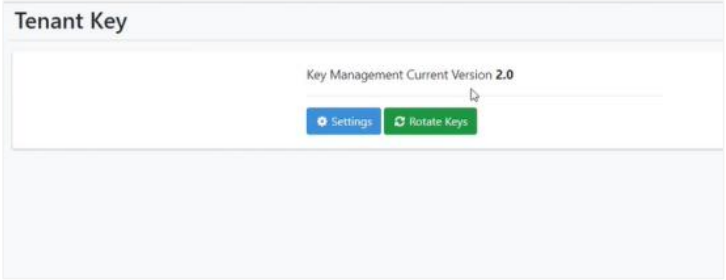
Tenant Key page
-
Click Rotate Keys. The tenant encryption key for the selected tenant is changed (rotated) immediately.
NoteThe rotated encryption key will apply when the user modifies confidential data in the following features:
- Workflow parameters
- Workflow🡪Credentials
- Agents🡪Agent List
- Reports🡪Datasource
- Settings🡪SMTP
-
If you want to schedule the rotation of keys, click Settings. Select the Enable Key Rotation checkbox and enter the duration in days when you want the keys to rotate.
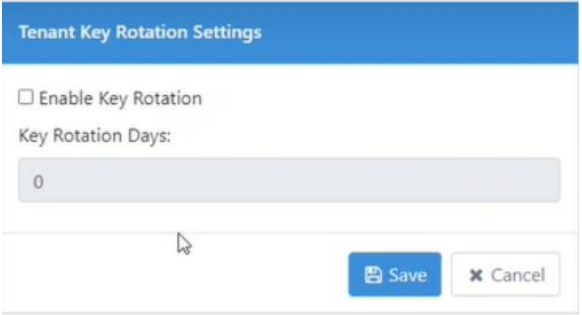
Key Rotation settings
-
Click Save. The detail is saved.