Primary node sign in permissions
Change sign in permissions for PostgreSQL-X64-14 service on the Primary server.
Complete the following steps to change the sign in permissions:
-
To change sign in permissions for PostgreSQL-X64-14 service: i. On the system, go to Computer Management → Services and Applications → Services, and select postgresql-x64-14.
ii. Right-click on the selection and select Properties. The dialog appears.
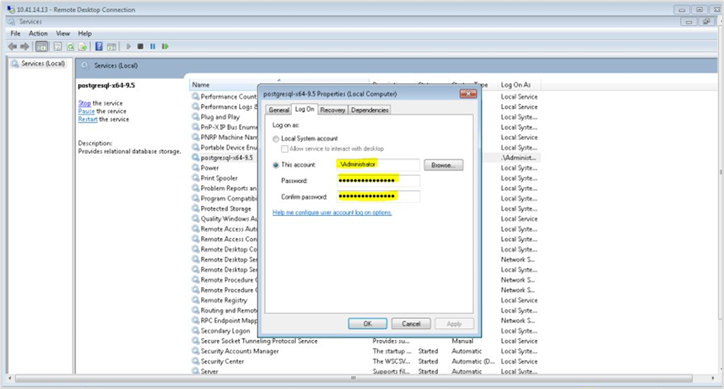
iii. Click Log on tab. In the fields, change the account details to any Windows administrator account on the system.
iv. Click Ok to save the details. -
To stop PostgreSQL on the Primary site, click Stop the service.